YEAR 11 DIGITAL TECHNOLOGY
  • Computer Literacy
    • Basics
    • File Types
    • Compression
  • Animation
    • Adobe Illustrator >
      • Intro to Illustrator
      • Review of Illustrator Techniques
      • Illustrator - The Third
      • Advanced Illustrator
    • Adobe After Effects >
      • Basic Animation
      • Export to Youtube
      • Rigging
      • Animation Project
    • Project Documentation >
      • Purpose, Potential Users, Requirement and Specifications
      • Testing and Refinement
    • AS92005 - Develop a Digital technologies outcome
  • HTML/CSS Basics
    • HTML
    • CSS
    • Classes
  • Programming
    • Learn Basics - Variables and Prompts
    • If Statements
    • For Loops & Basic Arrays
    • While Loops & Functions
    • Robustness
    • Debugging
    • Skills Test
    • Testing and Documentation
    • Programming Assessment
  • HCI
    • AS92006 - HCI Exam
    • Introduction-Describe-Identify
    • Neilson's Heuristics
    • mātāpono Māori
    • Explaining Principles
    • Compare/Improvements
    • Practice Practice Practice
  • Data
    • Learn Excel
    • Learn Excel (Part Deux)
    • Practice Assessment
    • Practice Assessment 2 - police
    • Assessment
  • Freyberg Digital

Year 11 Digital Technology

Animation, Project Design, Computer Science, Programming, Web Design, and Data Management

Curriculum Overview:

Term 1 - Image Compression and Animation
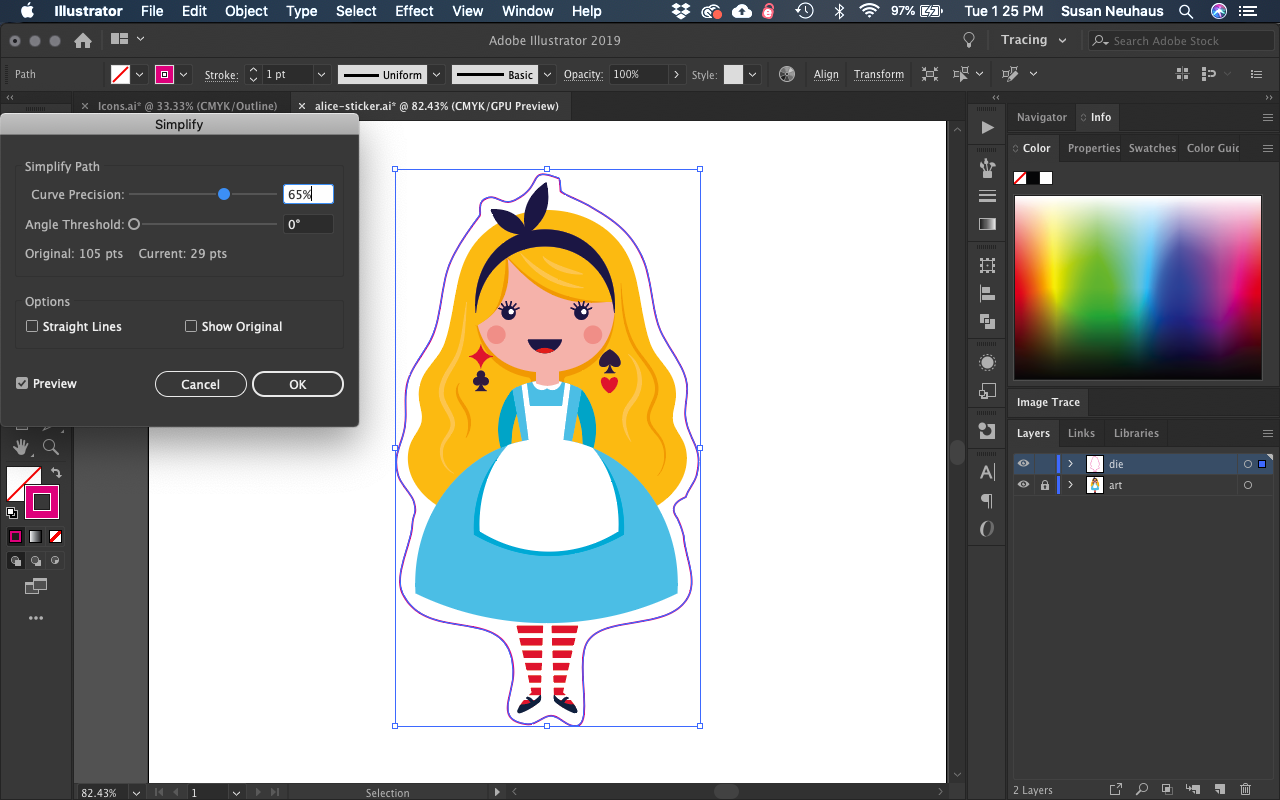
In term one we look at how Image files are stored on the computer and how they are compressed. Then we focus on skill training for animation. This involves Adobe Illustrator and Adobe After Effects.

All this work will lead into the NZQA assessment in term 2 - "Create an Iterative Outcome".

Term 1 Plan
Week 1 - Introduction
Week 2-3 Image Compression
Week 4-8 Adobe Illustrator - Drawing
Week 9-10 Adobe After Effects - Animation


Picture

Picture
Term 2 - Creating a Digital Outcome
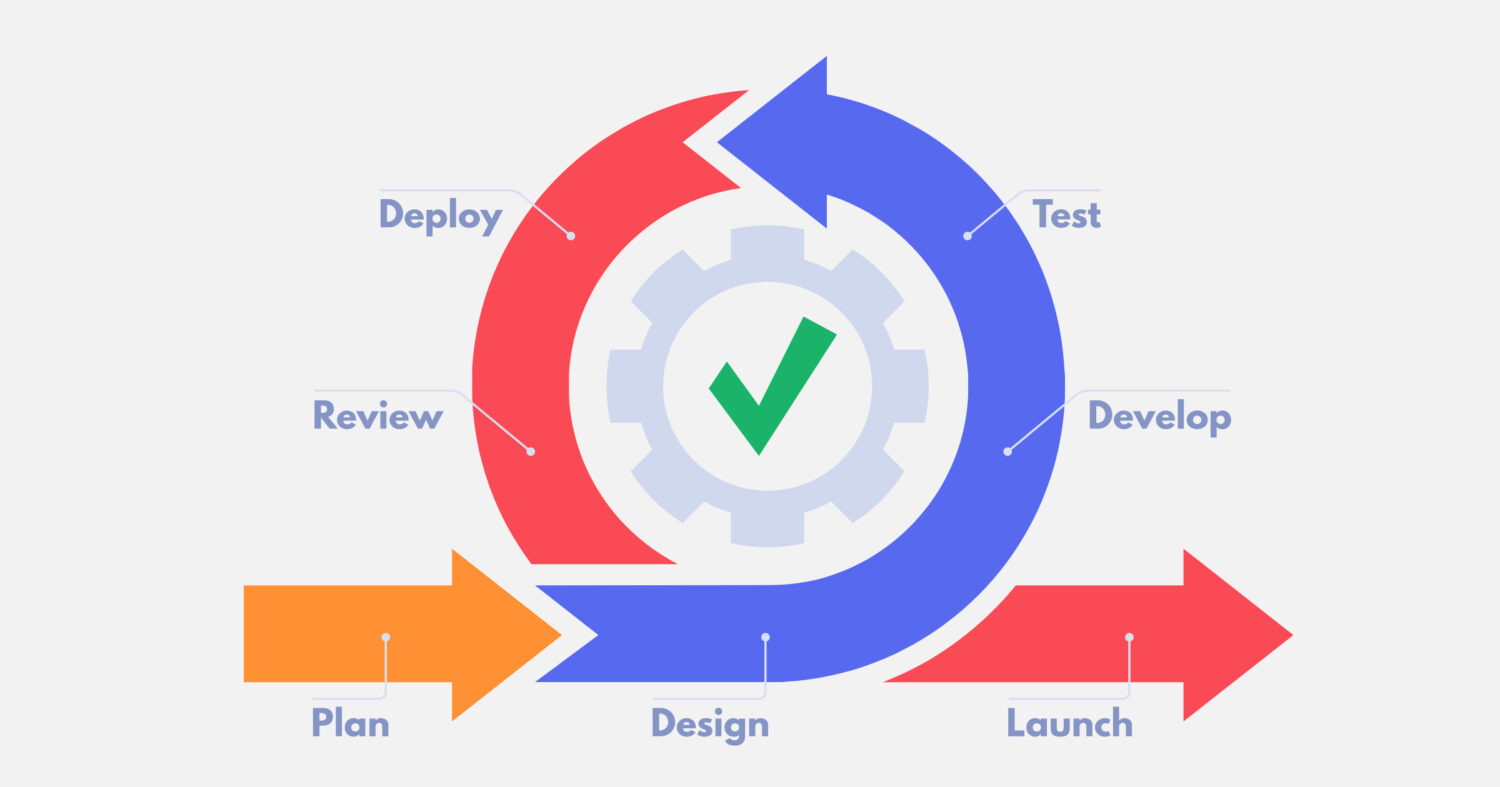
In term 2 we will go through the iterative development life cycle and look at some of the issues when creating digital media. After that you will spend 5 weeks designing and creating your own animation. Finally we will look at Interfaces and how well they are designed for humans.

Term 2
Weeks 1-2: Relevant Implications, Iterative Development.
Weeks 3-7: Digital Media Assessment
Weeks 8-10: Human Computer Interfaces

Term 3 - Programming/HTML/CSS
In term 3 we look at computer programming and developing websites. This involves a lot of coding with a focus on HTML, CSS and Javascript.

Term 3
Weeks 1-3: Basic Web Design
Weeks 3-9: Programming activities/Fundamentals
Weeks 10: Flow Diagrams
Picture

Picture
Term 4 - Programming Assessment/Data Management
In term 4 we will develop a game that is a basic text based adventure for the first few weeks. After that we look at basic data management.

Term 4
Weeks 1-3: Programming Assessment
Weeks 4-9: Data Management.

TEST

Powered by Create your own unique website with customizable templates.
  • Computer Literacy
    • Basics
    • File Types
    • Compression
  • Animation
    • Adobe Illustrator >
      • Intro to Illustrator
      • Review of Illustrator Techniques
      • Illustrator - The Third
      • Advanced Illustrator
    • Adobe After Effects >
      • Basic Animation
      • Export to Youtube
      • Rigging
      • Animation Project
    • Project Documentation >
      • Purpose, Potential Users, Requirement and Specifications
      • Testing and Refinement
    • AS92005 - Develop a Digital technologies outcome
  • HTML/CSS Basics
    • HTML
    • CSS
    • Classes
  • Programming
    • Learn Basics - Variables and Prompts
    • If Statements
    • For Loops & Basic Arrays
    • While Loops & Functions
    • Robustness
    • Debugging
    • Skills Test
    • Testing and Documentation
    • Programming Assessment
  • HCI
    • AS92006 - HCI Exam
    • Introduction-Describe-Identify
    • Neilson's Heuristics
    • mātāpono Māori
    • Explaining Principles
    • Compare/Improvements
    • Practice Practice Practice
  • Data
    • Learn Excel
    • Learn Excel (Part Deux)
    • Practice Assessment
    • Practice Assessment 2 - police
    • Assessment
  • Freyberg Digital