Comparisons and Improvements
|
In order to get Excellence you need to be able to:
The types of exam questions you could get are: Compare the interface in the video with your interface. Discuss the similarities and differences between the interfaces, and identify which addresses usability heuristics best, and why. Recommend improvements that could be made to your interface by applying usability heuristics. Explain how these will improve the usability of the website in terms of the user’s experience. |

|
Compare & Contrast
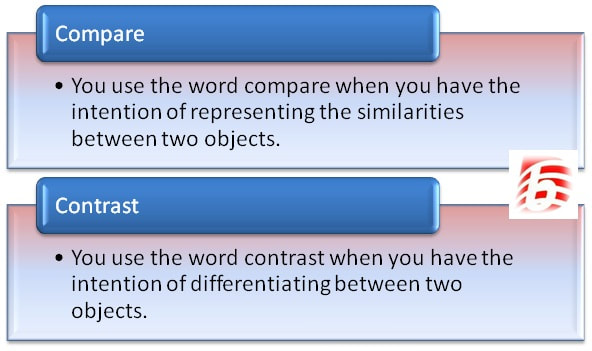
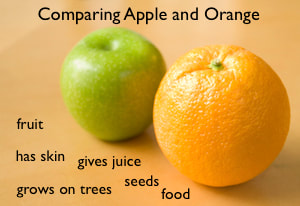
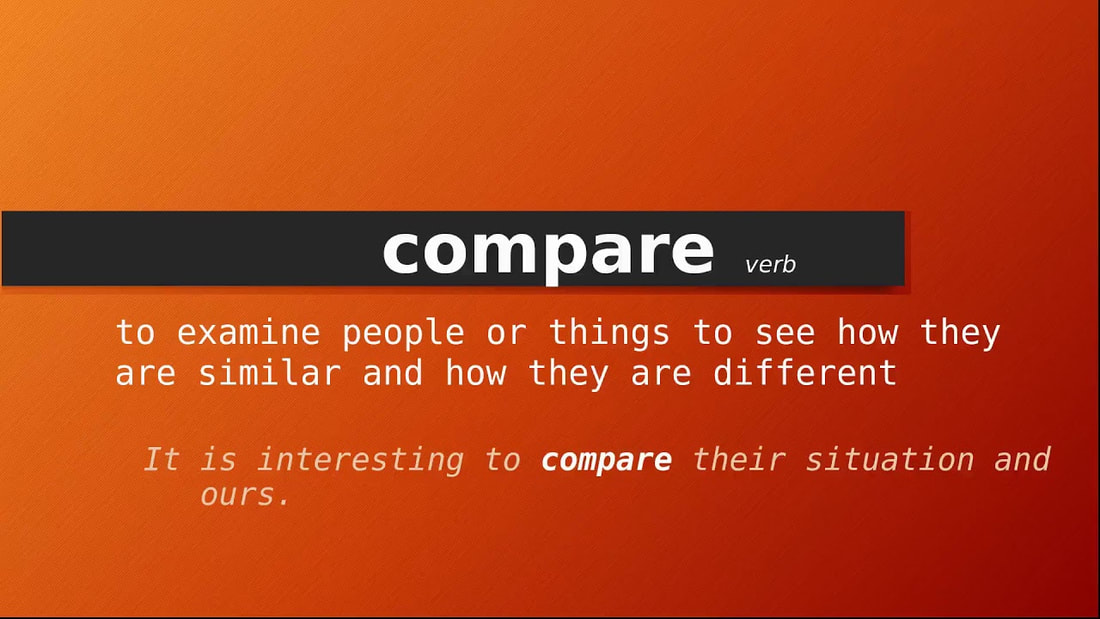
When you are asked to compare in an exam, they are often asking you to compare and contrast. This means finding the similarities and differences between the interfaces.
|
|
|
Example paragraph: One similarity between Animates and The Little Shop of Taonga website is that they both
help users recover from errors. When an incorrect email is typed in Animates, it says to
enter a valid email address, similar to the Little Shop of Taonga website. The Animates
website has done this better, because they have an example of an email and are more
complete with their explanation. The Little shop of Taonga only says to add an @, and it does
not say to add a full email address.
help users recover from errors. When an incorrect email is typed in Animates, it says to
enter a valid email address, similar to the Little Shop of Taonga website. The Animates
website has done this better, because they have an example of an email and are more
complete with their explanation. The Little shop of Taonga only says to add an @, and it does
not say to add a full email address.
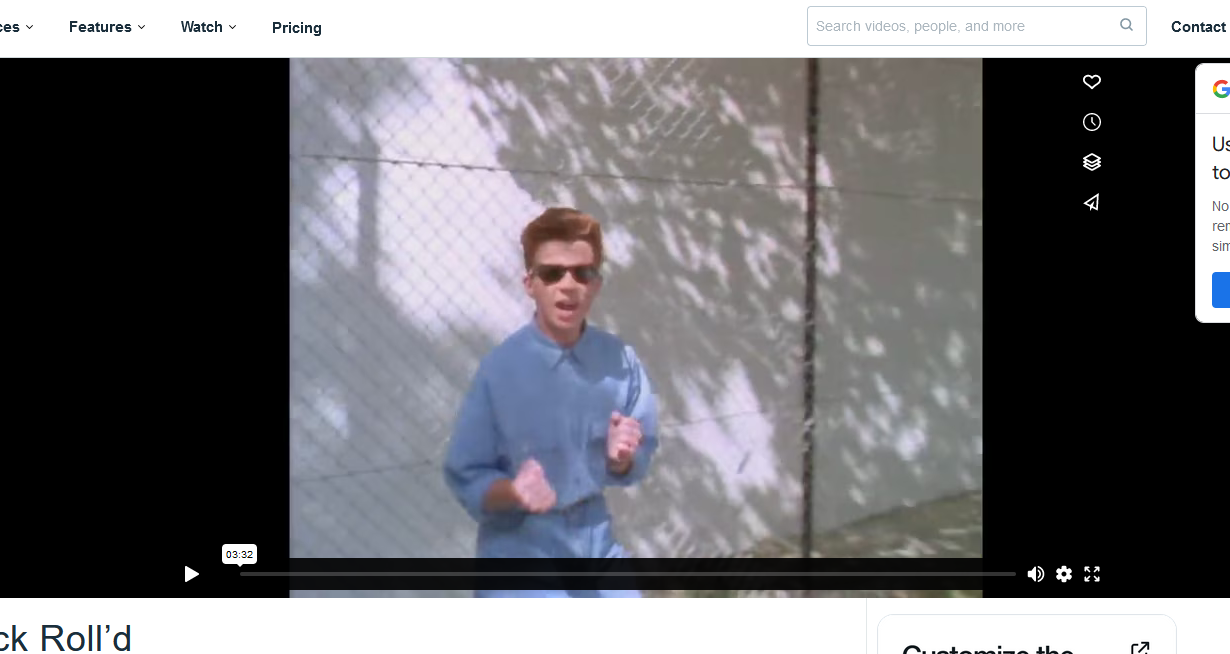
Task: Compare and Contrast these two video players
1.) Open both links below and examine the similarities and differences in usability heuristics.
2.) List the Similarities and differences in OneNote
3.) Create a summarysentence
3.) Write 3 paragraphs for comparing\contrasting 3 different usability heuristics.
2.) List the Similarities and differences in OneNote
3.) Create a summarysentence
3.) Write 3 paragraphs for comparing\contrasting 3 different usability heuristics.
|

|
Your Own Website
In order to do well with your assessment you will need intimate knowledge of the website you have chosen to study.
You may or may not be able to take in some screenshots of your own to refer to. We will find out closer to the exam.
Task: Compare your website to this one.
The same as the previous task but your website vs Vodafone.
You may or may not be able to take in some screenshots of your own to refer to. We will find out closer to the exam.
Task: Compare your website to this one.
The same as the previous task but your website vs Vodafone.
Recommend
In order to get an excellent grade you will have to make a recommendation for improving heuristics for both your chosen website and a video.
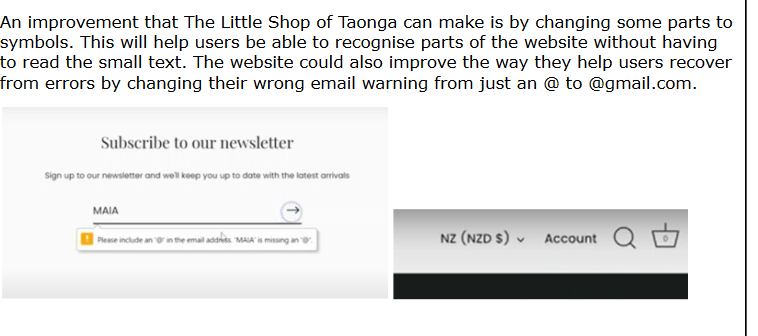
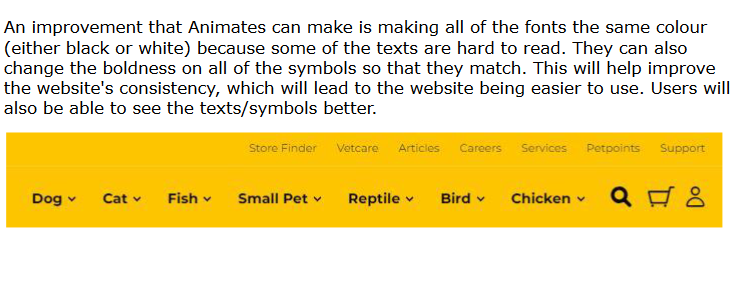
Example from Excellence Exemplar:
Example from Excellence Exemplar:
Task: Recommend an improvement for both your website and the Vodafone website.
Complete the one note activity with screenshots
Complete the one note activity with screenshots
