Describing Purpose, Potential Users, Requirements and Specifications
In order to pass this assessment you must:
describe the purpose, potential users, requirements, and specifications of the outcome.
describe the purpose, potential users, requirements, and specifications of the outcome.
Literacy Activity: Describe
To describe means to give a detailed verbal account of something.
Task: Carefully read the images below
Task: Carefully read the images below
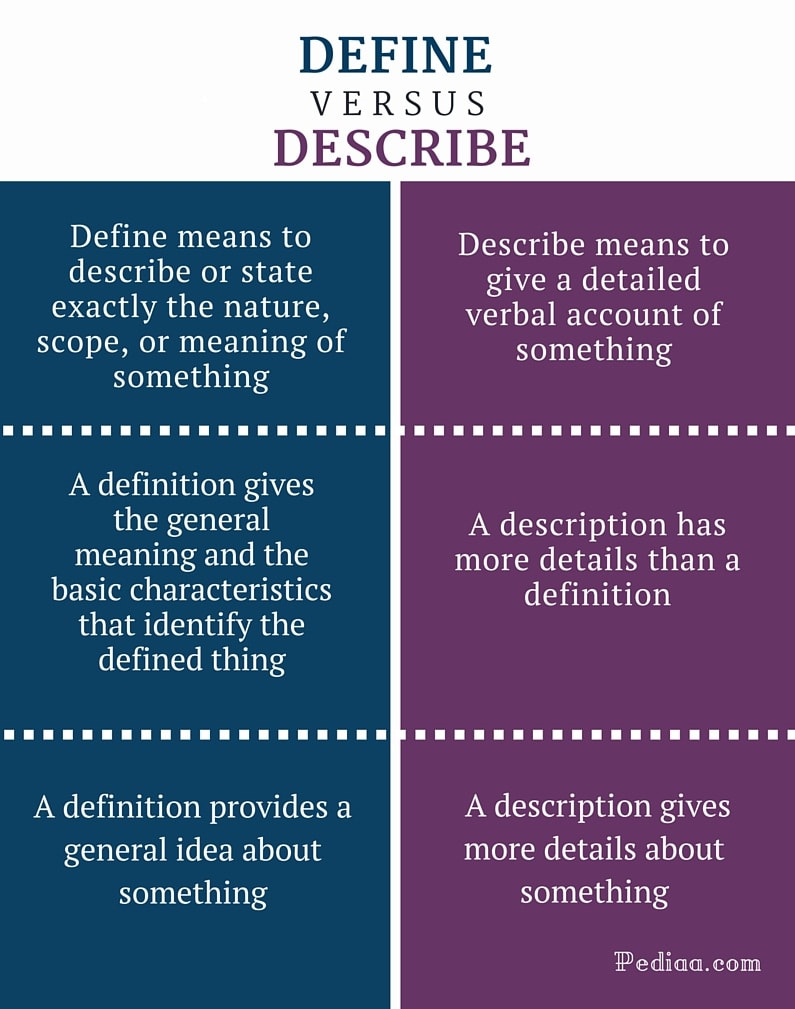
|
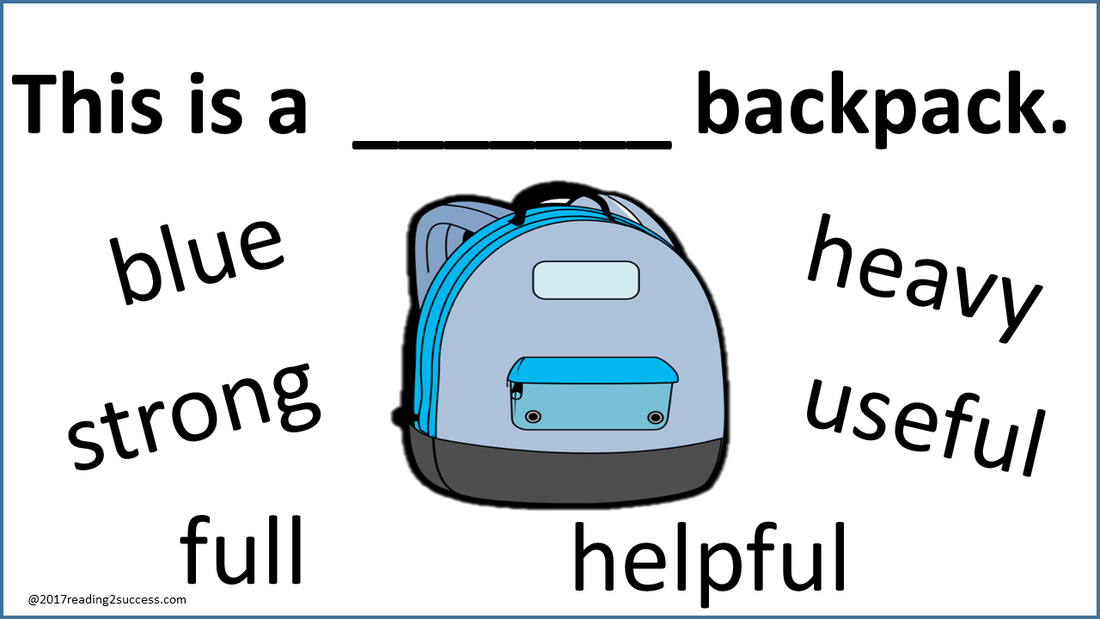
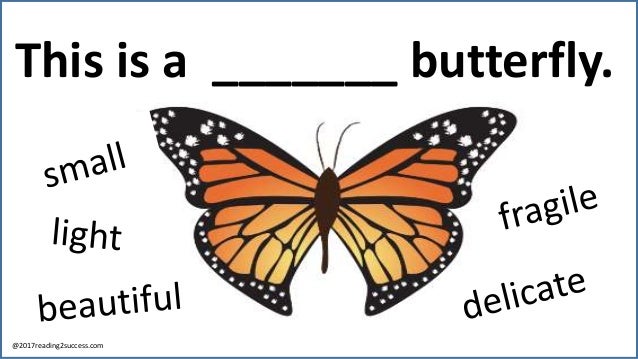
|
Task: Which of these are descriptions:
(open your one note and answer)
A.) Mark went to the park, because he was bored and wanted to have some fun.
B.) An CD is a Compact Disc
C.) The suspect was a 5ft 9inch, White, old women with a distinct tattoo of a Ford Laser on her forehead.
D.) The reason for Billy's disobedience was that he consistently thought the world owed him. He was a victim all the time and anything that anyone did to him caused him to believe he was oppressed.
E.) An Apple is a piece of fruit that is usually crunchy slightly round, has a light skin and can vary in colour from green to red.
F.) A Banana is a fruit.
Bonus Task: What words could we use to describe the other sentences.
(open your one note and answer)
A.) Mark went to the park, because he was bored and wanted to have some fun.
B.) An CD is a Compact Disc
C.) The suspect was a 5ft 9inch, White, old women with a distinct tattoo of a Ford Laser on her forehead.
D.) The reason for Billy's disobedience was that he consistently thought the world owed him. He was a victim all the time and anything that anyone did to him caused him to believe he was oppressed.
E.) An Apple is a piece of fruit that is usually crunchy slightly round, has a light skin and can vary in colour from green to red.
F.) A Banana is a fruit.
Bonus Task: What words could we use to describe the other sentences.
Creating a Description
The easiest way to create a description is to list all the characteristics of the object/word
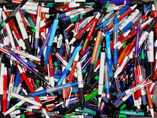
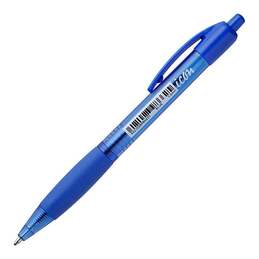
Imagine you wanted a person to search through a box of pens for a particular pen.
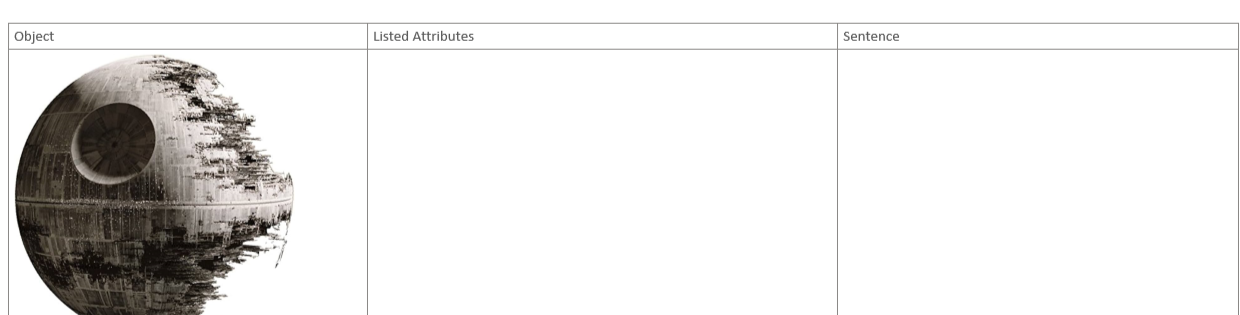
How would you do it. Do the following in your one note: Task: List all the attributes of this object in the picture to the right. Task 2: Take those attributes and form a sentence. For this one we are doing it together as a class. Task 3: In your one note is an activity to describe the objects. Complete that activity. |
|
Purpose and Potential End-Users
As part of this assessment you will need to Describe a purpose and potential end users for a product.
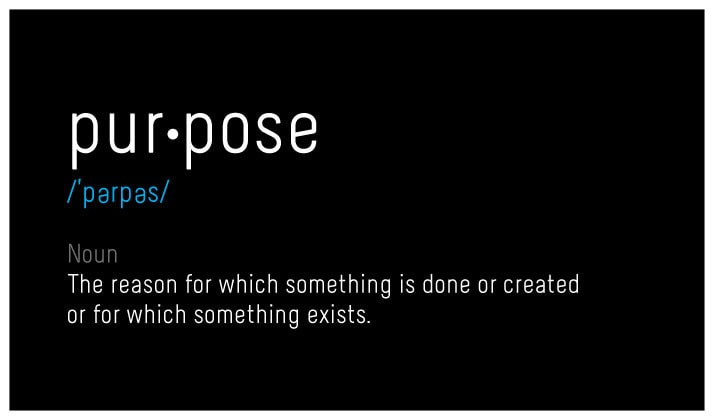
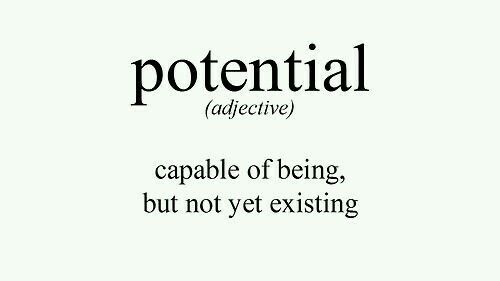
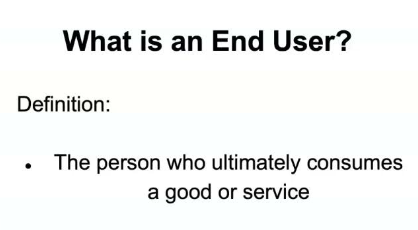
The are three words that need a definition
|
|
|
Lets look at a product that Mr Tyler has installed in his house
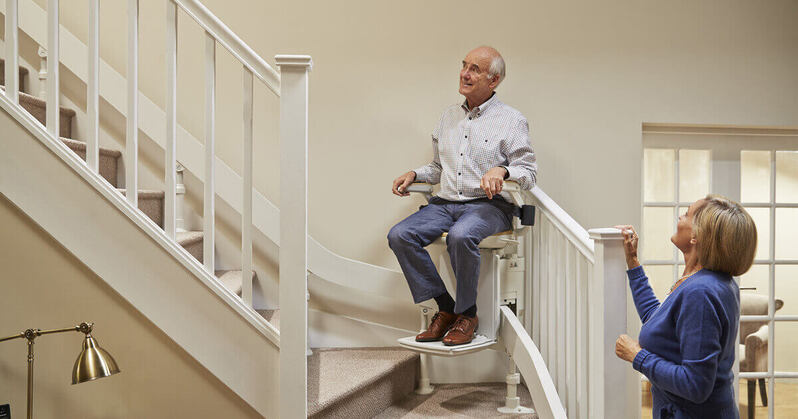
Task: Think Pair Share:
1.) What is the purpose of this device?
2.) Who is the potential end user?, Who is not the end user?
What are the categories we have to think about when thinking about the end user? i.e. age
Hint: Use your describe skills from the previous activity.
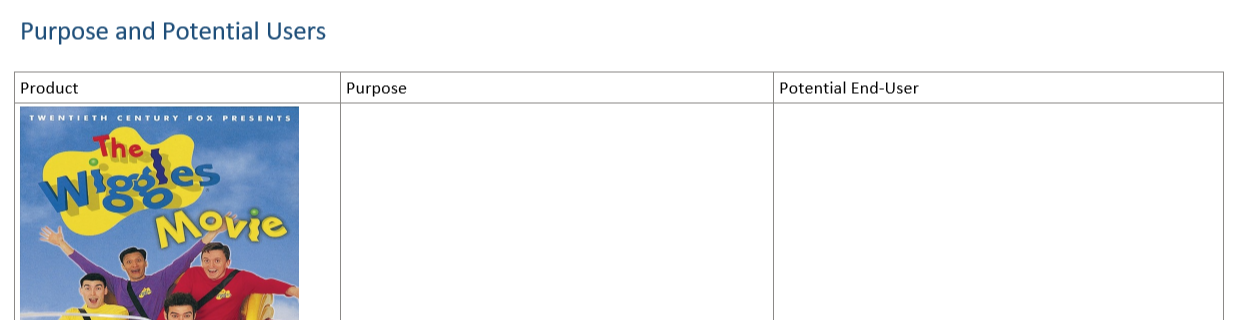
Task: fill out the 'Purpose and Potential Users' sheet on One Note
1.) What is the purpose of this device?
2.) Who is the potential end user?, Who is not the end user?
What are the categories we have to think about when thinking about the end user? i.e. age
Hint: Use your describe skills from the previous activity.
Task: fill out the 'Purpose and Potential Users' sheet on One Note
Specifications, Requirements
You will need to be able to describe the specifications and requirements of a project brief in the up coming assessment.
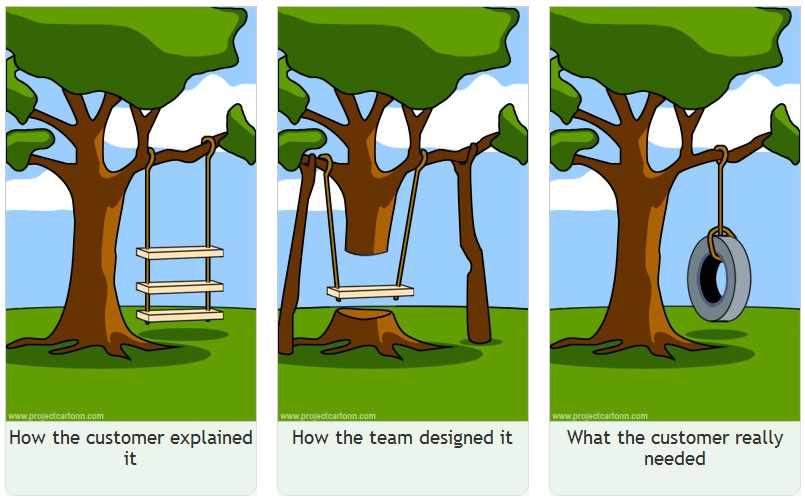
Take a look at the difference between the two:
Take a look at the difference between the two:
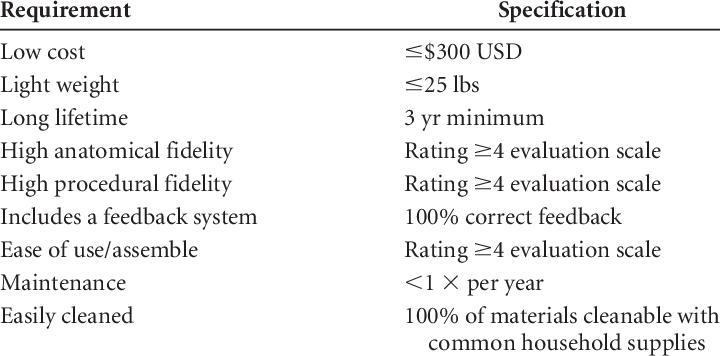
Task: What do you think the difference is between the two?
Give me your own definition of the word Requirement and Specification?
Look up the dictionary definition and copy those in.
Requirements and Specifications from project briefs
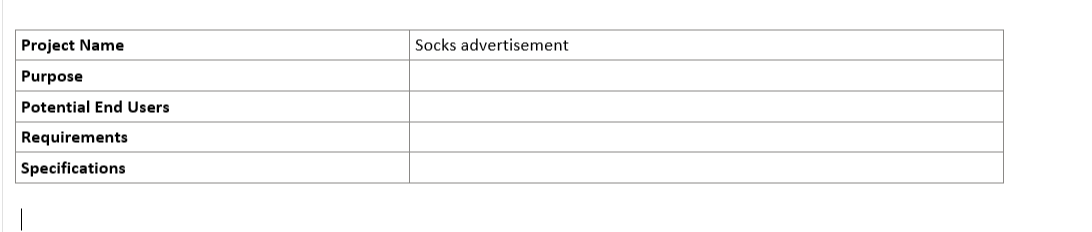
When starting on a project you will often get a brief such as this:
"I want an advert made that needs to be exactly 6 seconds long, using bright colours to sell socks for our store "Socks r Us" It needs to advertise our latest 2 for one special with the discount code "HALFONE". It should be made for a social media banner which is 468 x 60.
The colours should match our store, and use golds and purples. I want it to look elegant and not overfollowing with colour."
You will need to then break this down into the following categories:
Purpose, Potential End Users, Requirements, Specifications.
Class activity lets do the first one together
"I want an advert made that needs to be exactly 6 seconds long, using bright colours to sell socks for our store "Socks r Us" It needs to advertise our latest 2 for one special with the discount code "HALFONE". It should be made for a social media banner which is 468 x 60.
The colours should match our store, and use golds and purples. I want it to look elegant and not overfollowing with colour."
You will need to then break this down into the following categories:
Purpose, Potential End Users, Requirements, Specifications.
Class activity lets do the first one together
Final Activity: Briefs
Complete the last two briefs and break them down
Rock and Roll Poster
Brief 1: Create a poster to advertise a rock an roll concert. The poster should be themed to rock and roll and is advertised to young adults. The concert is R18 as alcohol will be sold at the venue. The poster should have all the details of the event. It starts at 7:30pm Wednesday the 16th of September. It cost $30 and tickets are sold at the door. The three bands "Cowl of Darkness, Sunshine Clowns and Frozen Vegetables" need to be prominent on the page. It should be dark and similar to rock and roll themes with skulls and rusty nails etc. It should target 18-30 year olds. The poster needs to be A1 Size with a white border of about 3CM. It should be fairly easy to read.
Brief 1: Create a poster to advertise a rock an roll concert. The poster should be themed to rock and roll and is advertised to young adults. The concert is R18 as alcohol will be sold at the venue. The poster should have all the details of the event. It starts at 7:30pm Wednesday the 16th of September. It cost $30 and tickets are sold at the door. The three bands "Cowl of Darkness, Sunshine Clowns and Frozen Vegetables" need to be prominent on the page. It should be dark and similar to rock and roll themes with skulls and rusty nails etc. It should target 18-30 year olds. The poster needs to be A1 Size with a white border of about 3CM. It should be fairly easy to read.
Super Bowl Commercial
Tide Ad: We have paid 7 Million dollars to create a new tide ad for the super bowl. We have exactly 30 seconds we need to use well to create an ad. It should fade in and then fade out at the start. It needs to be 4k Resolution, and preferably .mov format. We want it to be funny and catch the users attention. We should be one of the funniest ad's. All shirts and clothing need to be pristine and any zoom in on clothes should look tidy. As we are at the super bowl we are primarily aiming our ads towards home makers between 18-60. It needs to be 16:9 wide screen and be in stereo sound. The colour palette should be light and bright.
